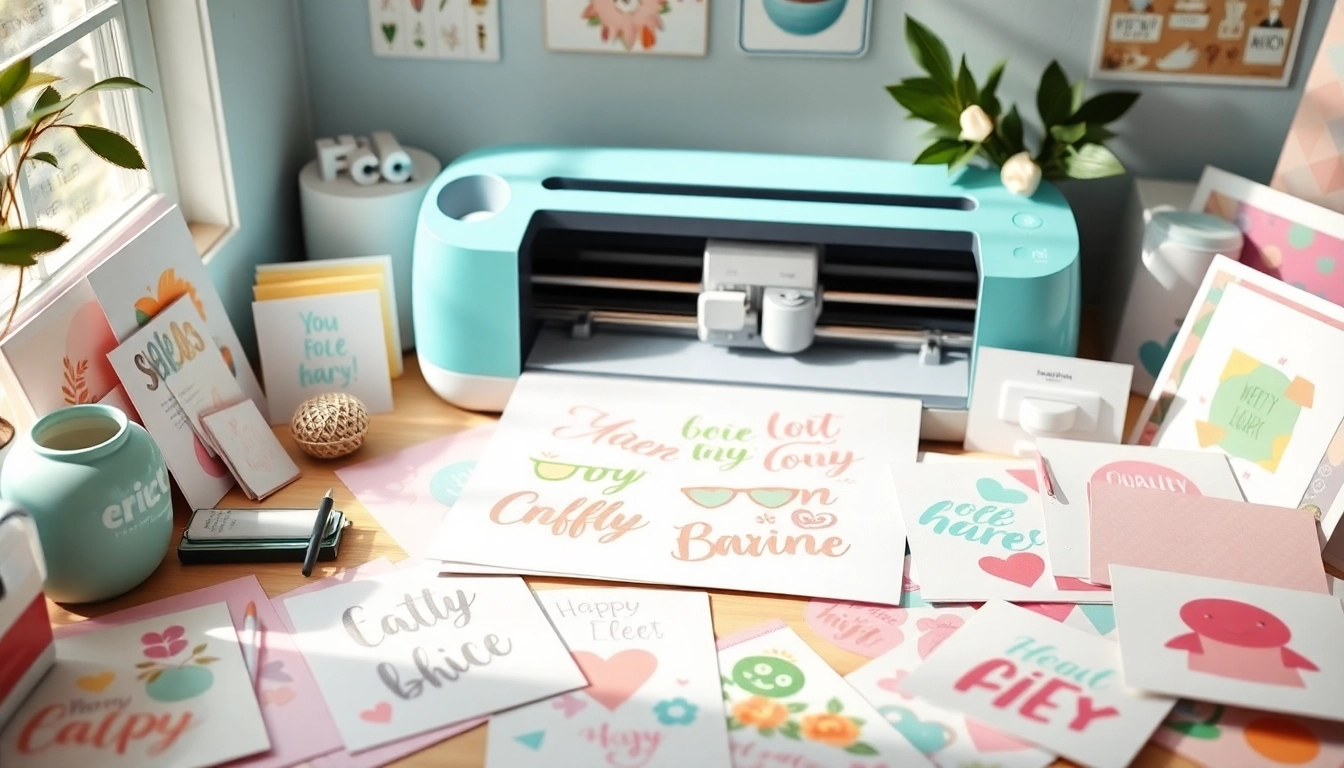
Understanding Cricut SVG Files
If you're venturing into the world of Cricut crafting, understanding Cricut SVG files is essential. These files allow you to unlock the full potential of your cutting machine, enabling you to create intricate designs with ease. SVG, which stands for Scalable Vector Graphics, is a widely used graphic format that provides the flexibility and quality necessary for various crafting projects. In this article, we will guide you through everything you need to know about SVG files, including their benefits, common misconceptions, and how to choose the right ones for your projects.
What is an SVG File and Its Benefits for Cricut?
SVG files are vector-based images that can be scaled to any size without losing quality. For Cricut users, this means you can make everything from tiny decals to large wall art without worrying about pixelation. The primary benefits of using SVG files in your Cricut projects include:
- Versatility: SVG files can be used for a wide range of projects, including vinyl cutting, paper crafting, and fabric designs.
- Quality: These files retain their sharpness and detail at any size, making them ideal for complex designs.
- Customization: SVG files can be easily edited in programs like Cricut Design Space, allowing you to personalize your projects to your liking.
- Efficiency: Since SVG files are optimized for cutting machines, they can save you time and materials during the crafting process.
Common Misconceptions About Cricut SVG Files
Despite their popularity, there are several misconceptions about Cricut SVG files that might confuse beginners. Here are a few:
- All SVGs Are Free: While many SVG files are available for free, high-quality designs often come with a price tag.
- SVG Files Are Hard to Use: With user-friendly software like Cricut Design Space, importing and using SVG files is straightforward.
- Only Professionals Can Create SVGs: Anyone can create SVG files with the right tools, and there are many tutorials available to help beginners.
How to Choose the Right SVG Files for Your Projects
Selecting the right SVG files for your crafting projects can greatly impact the quality and enjoyment of your experience. Here are some tips:
- Consider Your Project: Think about what you are trying to create and choose SVGs that fit the theme and scale of your project.
- Check the File’s Compatibility: Ensure that the SVG file is compatible with your Cricut machine and design software.
- Read Reviews: Look for user feedback on SVG files before purchasing to gauge their quality and usability.
Finding Quality Cricut SVG Resources
When it comes to sourcing SVG files, knowing where to look can save you valuable time and enhance your crafting experience. Numerous websites specialize in providing high-quality Cricut SVG files, catering to both free and paid options. Understanding how to evaluate these resources will help you make informed choices.
Top Websites for Free and Paid Cricut SVG Files
Here’s a list of trusted websites where you can find both free and premium SVG files:
- Design Bundles: Known for a vast selection of free and low-cost SVG files perfect for all kinds of projects.
- SVG Cuts: Offers a variety of professionally designed SVG files tailored for cutting machines.
- Cricut Access: A subscription service that provides access to a vast library of images and SVG files for members.
- Etsy: A marketplace filled with unique and custom SVG files from talented creators around the world.
How to Evaluate the Quality of SVG Files
Not all SVG files are created equal, so it’s critical to evaluate their quality before adding them to your collection. Here are some factors to consider:
- File Structure: High-quality SVG files should be cleanly structured, allowing for easy editing and cutting.
- Resolution: Ensure the SVG file is of high resolution for sharp and clear cuts.
- User Reviews: Always check user reviews and ratings to determine the reliability and quality of the files.
- Testing: If possible, test a sample file to see how it works with your Cricut machine.
Community Resources: Finding SVGs in Crafting Groups
Crafting communities on social media platforms and forums can be a great resource for finding unique SVG files. Many members share their creations, tips, and even free files. Joining groups related to Cricut crafting can help you stay updated on trends and access a wealth of resources.
Creating Your Own Cricut SVG Files
Creating custom SVG files can be a fulfilling part of your crafting journey. With the right tools and knowledge, anyone can design their own unique SVG files for Cricut projects.
Step-by-Step Guide to Designing Custom SVGs
Here’s a quick guide on how to create your own SVG files:
- Choose Your Design Software: Popular options include Adobe Illustrator, Inkscape, and CorelDRAW.
- Create Your Design: Use the software to create your graphic, ensuring it fits your project requirements.
- Export as SVG: Save your design in SVG format, making sure to optimize it for cutting.
- Test Cut: Run a test cut on your Cricut to ensure the design works as intended.
Tools and Software Recommendations for SVG Creation
To effectively create SVG files, consider the following software and tools:
- Adobe Illustrator: A powerful design tool popular among professionals for complex graphics.
- Inkscape: A free, open-source vector graphic editor that is user-friendly for beginners.
- Cricut Design Space: Although primarily for editing, it can also be used to create simple SVG files directly.
Best Practices for SVG File Management and Organization
As your collection of SVG files grows, having a proper organization system becomes essential. Here are some best practices:
- Folder Structure: Create folders based on project types, themes, or occasions for easy access.
- File Naming Conventions: Use clear and descriptive names for your files to quickly identify them.
- Backup Your Files: Regularly back up your SVG files on an external drive or cloud storage to prevent loss.
Advanced Techniques for Cricut Projects
Once you’re comfortable with basic Cricut projects, there are countless advanced techniques you can explore to elevate your crafting skills.
How to Use Cricut SVG Files for Complex Designs
Complex designs can be daunting, but with practice, you can use SVG files to create intricate patterns. Utilize features like layering, welding, and grouping in Cricut Design Space to manage complex projects effectively.
Personalizing Projects with Cricut SVG and Layering Techniques
Layering is a powerful technique that allows you to combine different colors and textures for a unique look. Use multiple SVG files in your design to create depth and dimension in your projects.
Innovative Ways to Combine Cricut SVGs with Other Materials
Think outside the box by combining SVG files with various materials like wood, fabric, and acrylic. This can lead to stunning results and innovative projects that stand out.
The Future of Cricut Crafting in 2026
The world of Cricut crafting is ever-evolving, with trends and technology pushing the boundaries of creativity. As we look ahead, several developments are on the horizon.
Emerging Trends in Cricut SVG Designs
Expect to see an increase in customizable SVG files that cater to individual preferences. This trend supports the growing demand for personalized items in crafting.
Integrating Technology: Smart Tools for Crafting
Smart tools and applications are becoming more integrated in the crafting community, offering advanced features to enhance the crafting experience. This includes AI-driven design suggestions and augmented reality tools for visualizing projects in real-time.
Predictions for the Cricut Community and Market Growth
As more people discover the joy of crafting, the Cricut community is expected to grow significantly. With this growth, we will likely see greater collaboration among creators, along with an influx of new products and resources that support this vibrant community.